
Maurice Müller
Senior Content Manager
Maurice Müller is a journalist and content strategist with experience across print and digital media. At Formalize, he translates complex compliance and regulatory topics into clear, practical content for compliance, risk, and security professionals across Europe.
Key takeaways:
Validation errors fall into four groups: the package, individual fields, relationships between templates, and data quality. The group tells you who fixes it.
Foreign key violations (error 807) were the most common reason for rejection in the 2026 cycle, according to the Dutch AFM.
Correct the source record and export again. Editing the exported files brings the error back in the next cycle.
Passing the technical checks doesn't mean the data is accepted. The EBA ran additional data quality checks in April 2026.
A named owner for every supplier, contract, ICT service and business function keeps the register accurate between cycles.
Under DORA, financial entities report their Register of Information (RoI) once a year to their competent authority, in the 15 templates set out in Implementing Regulation (EU) 2024/2956. Getting those templates through validation has proven harder than filling them in. In the 2024 dry run of the European Supervisory Authorities (ESAs), only 6.5% of registers passed all data quality checks. For the 2026 cycle, Luxembourg's CSSF said the checks would be applied to more data fields, and that a register accepted last year could be rejected this year. The good news: DORA RoI validation errors are rarely mysterious. Almost all of them trace back to a few causes, and each cause has a natural owner in your organization.
Types of DORA Register of Information validation errors
Sort the error before you change anything. The group tells you whether the problem sits in the file or in your data.
Package and technical errors. The ZIP file, folder structure, file names or filing indicators don't match the specification, so the file can't be processed. Code 808, "Missing filing indicators or case is wrong", is typical: all 15 templates must be reported, even empty ones. In the ESAs' list of common issues, these errors lead to rejection.
Field and data errors. A mandatory value is missing, or an identifier or format is invalid. Rule v8826_m, for example, checks that a legal entity identifier (LEI) has 20 characters ending in two digits. These findings don't reject the file on their own, but your authority may still ask you to fix them and resubmit.
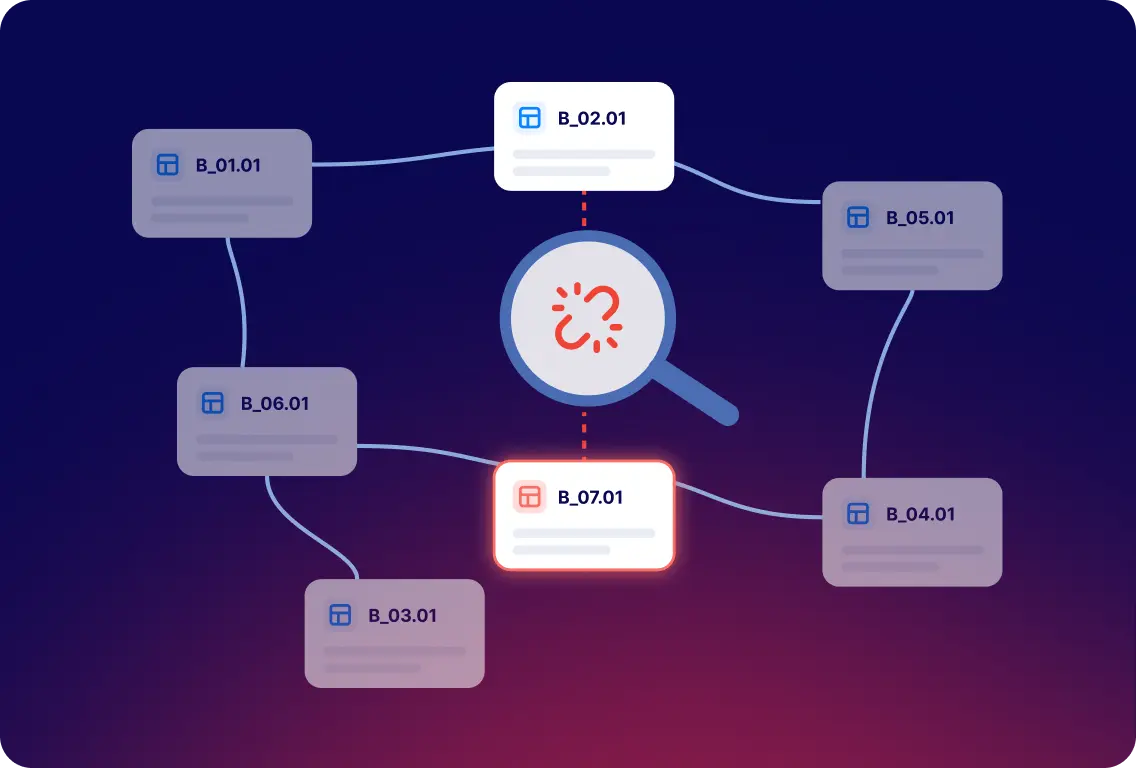
Relationship and consistency errors. A record points to something that doesn't exist in another template. Code 807, "Foreign key constraint violated", is the classic case: the ESAs' own example is a contract reference in template B_07.01 that doesn't exist in B_02.01. The file is rejected.
Data quality findings. A register can pass every technical check and still raise questions. In April 2026, the European Banking Authority (EBA) ran additional data quality checks on all registers. The Central Bank of Ireland's examples include a dummy code for a provider's ultimate parent and "not applicable" as a provider's name.
Whatever the group, note the error code, the template (such as B_02.01), the row, the column (such as c0010) and the value that failed. Our free RoI Validator shows the row, column and cell value for each finding. Feedback from your competent authority comes through its own portal and process, so keep that message as the reference for any resubmission.
Does every DORA validation error lead to rejection?
No. How serious a finding is depends on the rule, the validation rules in force for that cycle and how your competent authority treats it. Roughly, three levels apply:
Blocking errors. Package, structure and key checks such as 103, 714, 720, 805, 807 and 808 reject the submission. You correct the data and submit a new package.
Non-blocking findings. Rules such as v8886_m (mandatory value missing), v8826_m (LEI format) and the VR_ checks against GLEIF don't reject the file on their own. Whether you have to resubmit depends on your authority: Luxembourg's CSSF, for example, expects financial entities to fix these warnings and resubmit.
Data quality feedback. It comes after the technical validation, often from your authority, and can lead to a request to correct and resubmit a register that was already accepted.
A rule can also change level from one cycle to the next. Check the message type in your authority's current guidance before you decide whether a finding needs a new submission.
Common DORA Register of Information errors: causes, owners and fixes
The codes below come from the ESAs' list of common issues and from national authority guidance. Your validator or authority may word them differently.
Error or symptom | Likely cause to investigate | Who to contact | What to do |
|---|---|---|---|
Invalid ZIP, file or folder name (codes 714, 720) | Name or folder structure doesn't follow the convention, or a compression tool added hidden folders | Regulatory reporting | Regenerate the package from your system instead of re-zipping it by hand |
Missing templates or filing indicators (808) | A template was left out instead of reported empty | Regulatory reporting | Include all 15 templates, with every filing indicator set to true |
Wrong reference date or reporting version | Package generated with last year's settings | Regulatory reporting | Use 31 December of the previous year and the current technical package (EBA DPM 4.0 in 2026) |
Mandatory value missing (for example v8886_m) | Incomplete supplier, contract, ICT service, function or entity record | Owner of the affected record | Complete the field in the source record and export again |
Invalid LEI (rule v8826_m, or not found in GLEIF) | A typo, another group entity's LEI, or a lapsed LEI | Procurement, legal entity data owner | Check the code in the GLEIF database and correct the record |
EUID not found (VR_72) | An LEI entered as EUID, or an EUID missing its dot or country prefix | Procurement, vendor management | Use the full EUID from the business register, including the dot and the EEA country code |
Foreign key violation (807) | A record refers to a key that doesn't exist in the template it points to | RoI coordinator, with the owner of the missing record | Create the missing record or correct the reference |
Primary key missing (805) or duplicate keys | An empty key column, or the same key used twice | RoI coordinator | Give every row its own key, as defined in the data model |
Generic or placeholder values (data quality feedback) | "Not applicable", dummy codes or copied values used to fill a mandatory field | Owner of the affected record | Replace them with real values, or document why the data isn't available |
Identifiers need particular care. The implementing regulation requires a valid and active LEI or a European Unique Identifier (EUID), and both where available, for every ICT third-party service provider that is a legal person. Providers established outside the EU can only be identified by LEI.
How to fix DORA validation errors step by step
It's tempting to fix the value in the exported file. That clears this submission and leaves the error in your source data for the next one. Work through it in this order instead:
Record the error code, template, row, column, value and the reporting version you exported.
Find the record behind it: the supplier, contract, ICT service, business function or entity.
Ask the record's owner to confirm the correct value. For a foreign key error, check both the record that refers and the record it should point to.
Correct the record in your source system, then generate a fresh export.
Validate the new package and write down what changed.
If you've already submitted, follow your competent authority's instructions. Under the ESAs' reporting FAQ, a resubmission keeps the same naming convention with a new timestamp.
If you use Formalize, make the correction in the platform and export the register again. Our Help Center guide shows where each fix belongs, and why you shouldn't edit the generated report: opening and saving the files can break the structure the ESAs require.
DORA Register of Information validation checklist
Run through this list before every submission, not only after a rejection:
The reporting entity, reporting level (individual or consolidated) and reference date are correct.
Every financial entity has a valid LEI, and every ICT third-party service provider a valid LEI or EUID.
Mandatory fields for suppliers, contracts, ICT services and business functions are complete.
Every reference between templates resolves, and every key is filled in and unique.
Placeholder and generic values have been replaced or explained.
The package follows the current technical package and naming convention, with all 15 templates.
You've validated the final export, reviewed every warning and assigned an owner to anything still open.
You know your authority's submission window, portal and resubmission procedure.
To check the final export, upload it to our free RoI Validator. It runs 294 checks across all 15 reports in the official xBRL-CSV format, needs no registration, and deletes files after processing.
Keep the register accurate after the submission
Most validation errors are created months before anyone runs a validation. A contract is renewed and the register isn't. A supplier changes its legal entity. A new ICT service goes live without a business function attached. If the register only gets attention in the first quarter, every cycle starts with the same clean-up.
What prevents that is ownership. Give every record type a named owner: procurement for suppliers and their identifiers, legal for contracts, IT for ICT services, and the business for the functions those services support. They update the register when something changes, not when reporting starts. A quarterly validation of a test export then surfaces problems while the people who know the answer still remember it.
That treats the register as operational data rather than a file to repair once a year, which is what a Register of Information solution is built for.
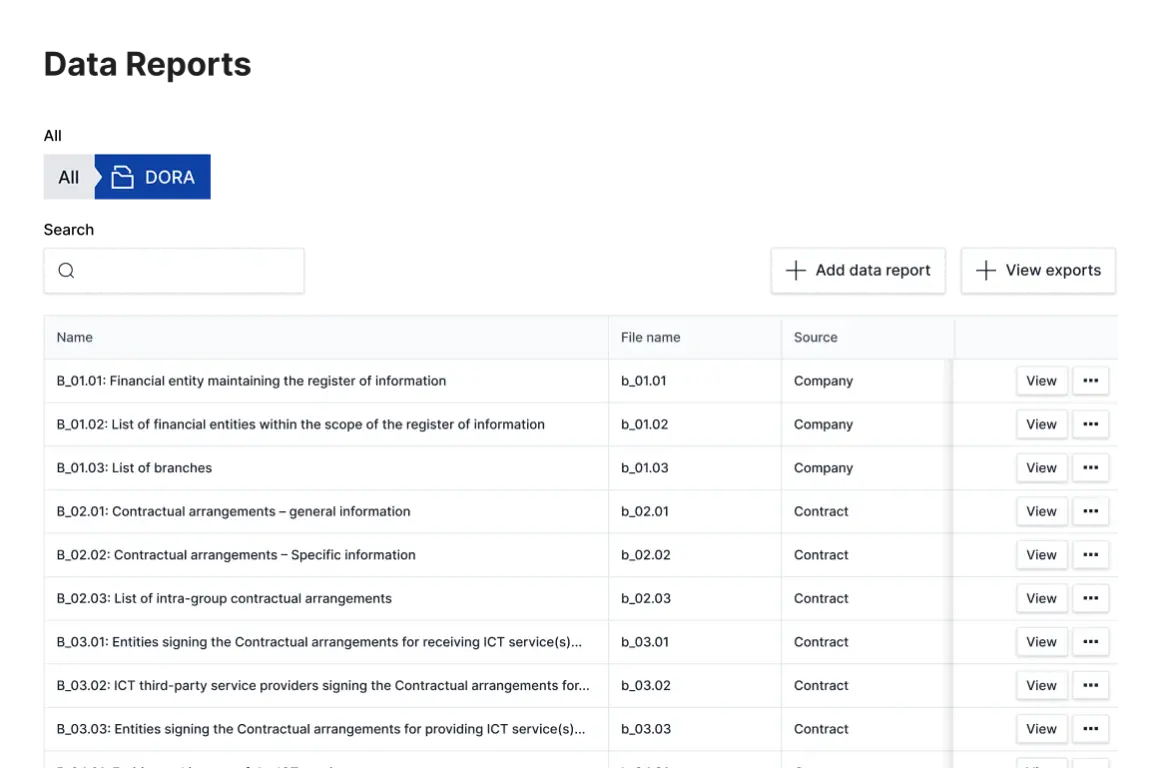
How this looks in Formalize. Suppliers, contracts, ICT services and business functions are connected records in one system. Before you export, a data checks dashboard shows missing mandatory data and broken connections, and you can click through to where each problem sits. The export produces all 15 reports as one package, ready for the RoI Validator.
This article is for information only and doesn't constitute legal advice.
Find register errors where they start
Bring your last validation report. We'll show you how each error traces back to a supplier, contract or ICT service, and how to keep those records current between cycles.